What is AI Image Analysis?
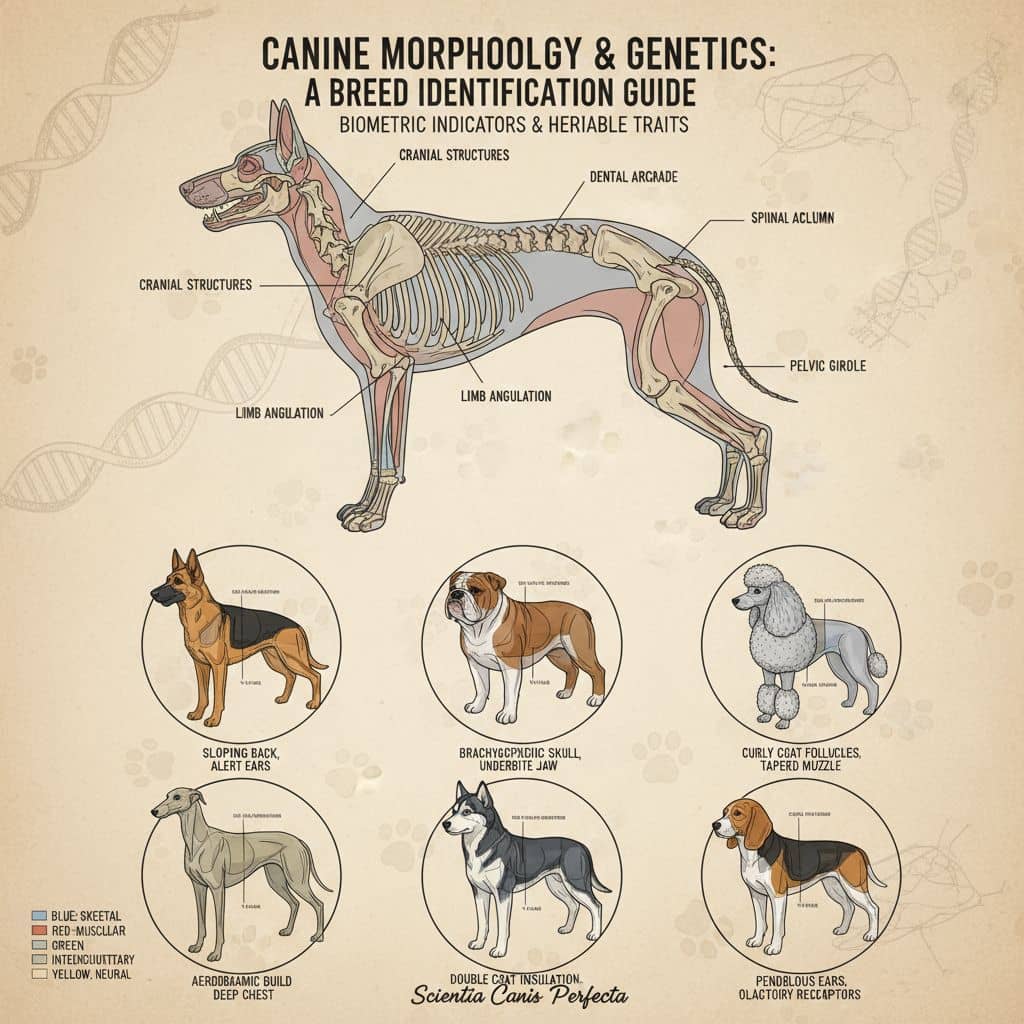
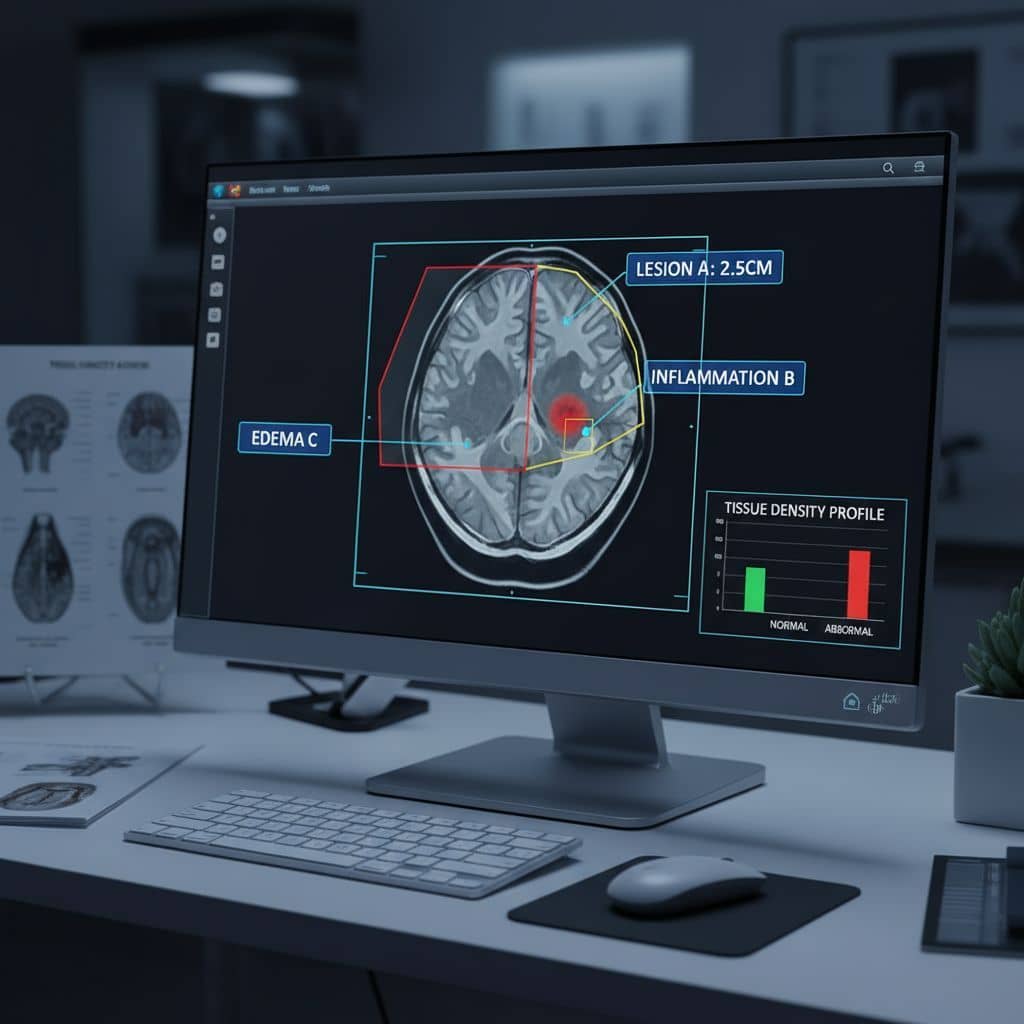
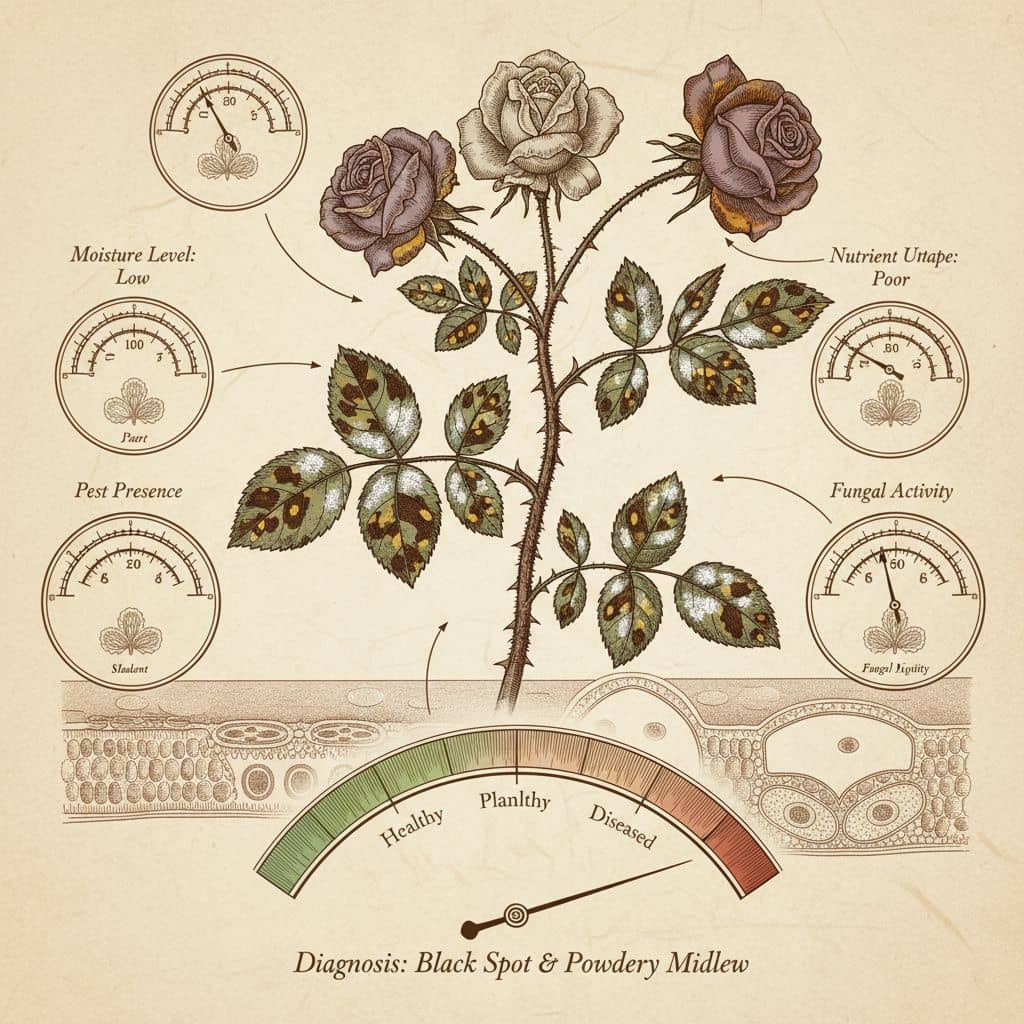
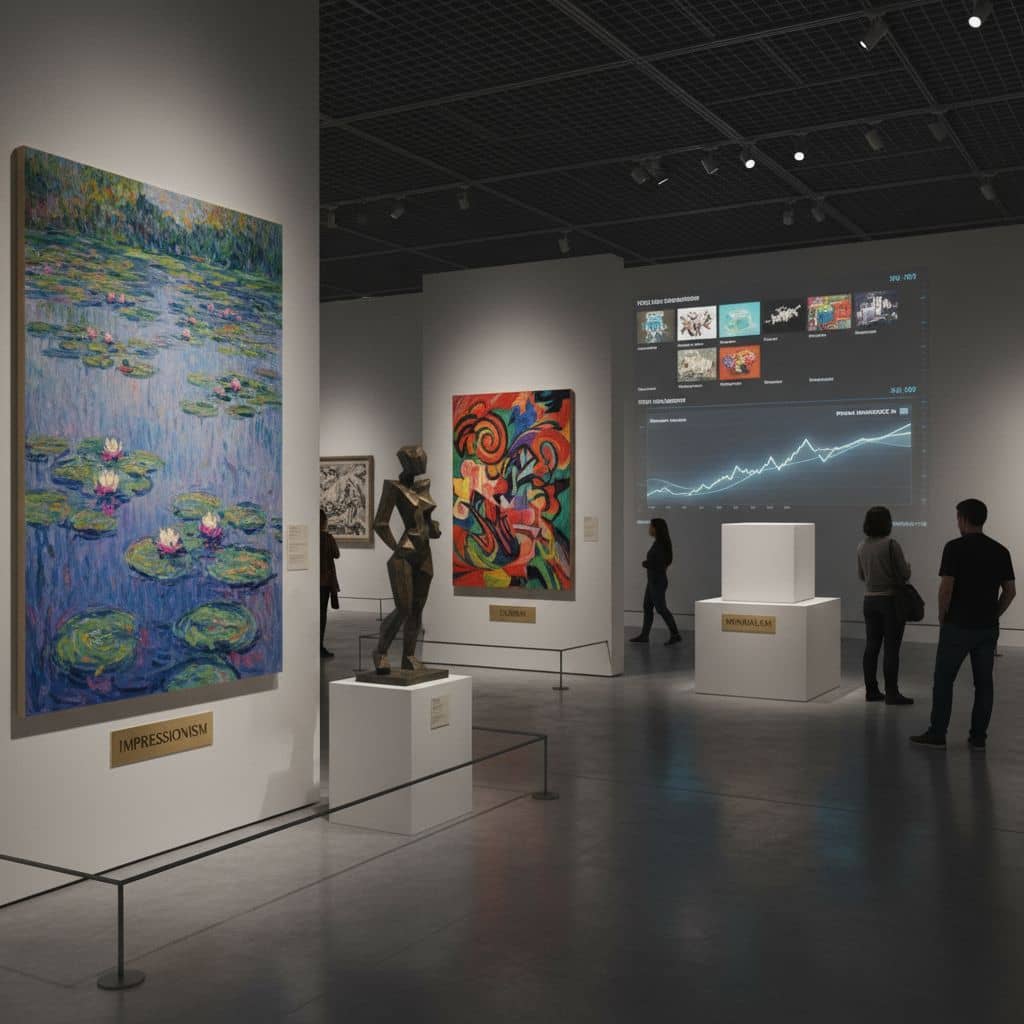
AI Image Analysis is a powerful tool that uses artificial intelligence to examine and understand images in detail. Whether you need to identify objects, describe scenes, extract text, or analyze visual content, our AI provides comprehensive insights from any image instantly.
From analyzing photos for accessibility to extracting data from documents, our AI-powered image analysis serves photographers, content creators, researchers, and anyone working with visual content.
How AI Image Analysis Works
Analyzing images with AI is simple and powerful:
- Upload Your Image: Select an image file from your computer or provide an image URL.
- Choose Analysis Type: Select what you want to analyze - objects, text, scenes, faces, or general description.
- AI Processing: Our AI examines the image using advanced computer vision algorithms.
- Get Detailed Results: Receive comprehensive analysis including descriptions, identified objects, and extracted information.
- Use Insights: Apply the analysis results to your projects, research, or content creation.
Top Benefits of AI Image Analysis
Instant Analysis: Analyze images in seconds instead of manually examining every detail.
Comprehensive Insights: Get detailed descriptions, object identification, and scene understanding.
Multiple Analysis Types: Identify objects, extract text, analyze faces, describe scenes, and more.
No Expertise Required: Get professional-level image analysis without computer vision knowledge.
Accessible Technology: Use AI-powered analysis without expensive software or equipment.
Versatile Applications: Perfect for accessibility, content creation, research, and data extraction.
Tips for Best Results
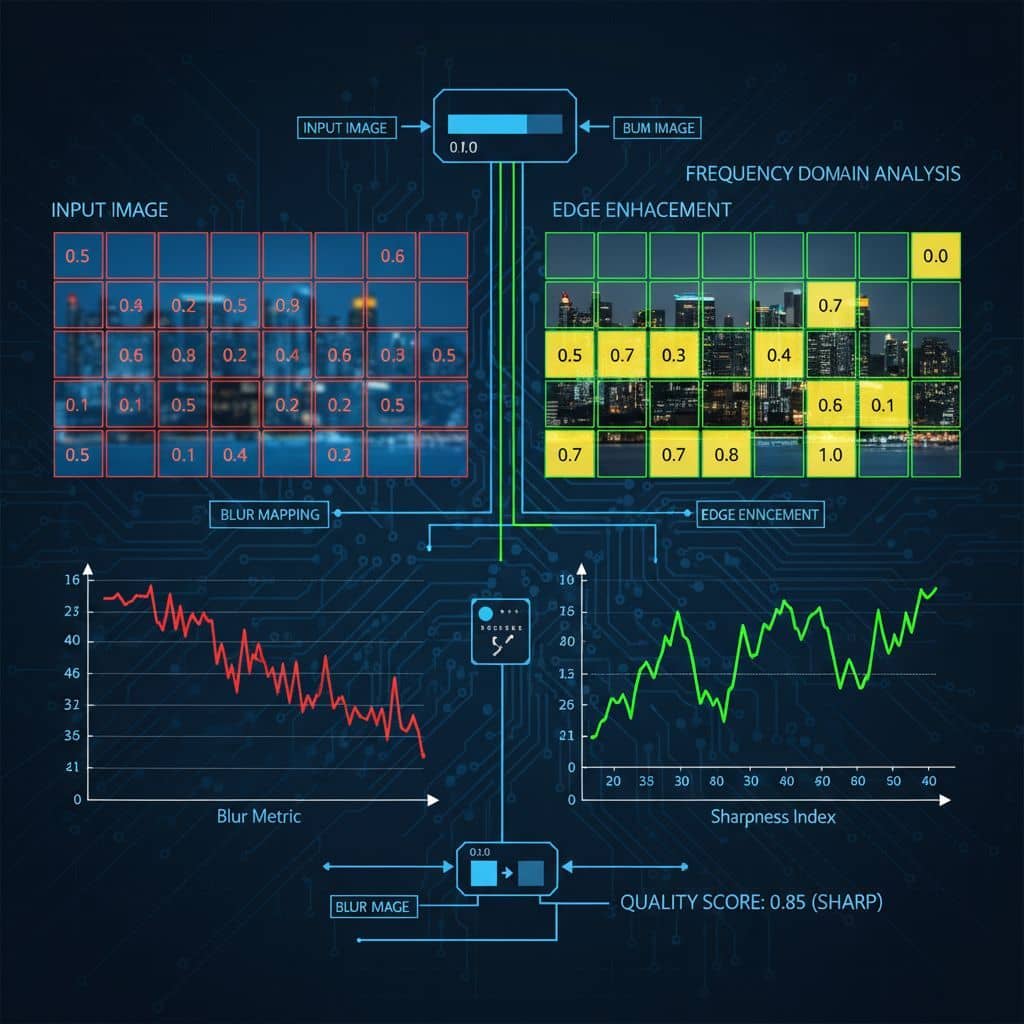
Use High-Quality Images: Clear, well-lit images produce more accurate analysis results.
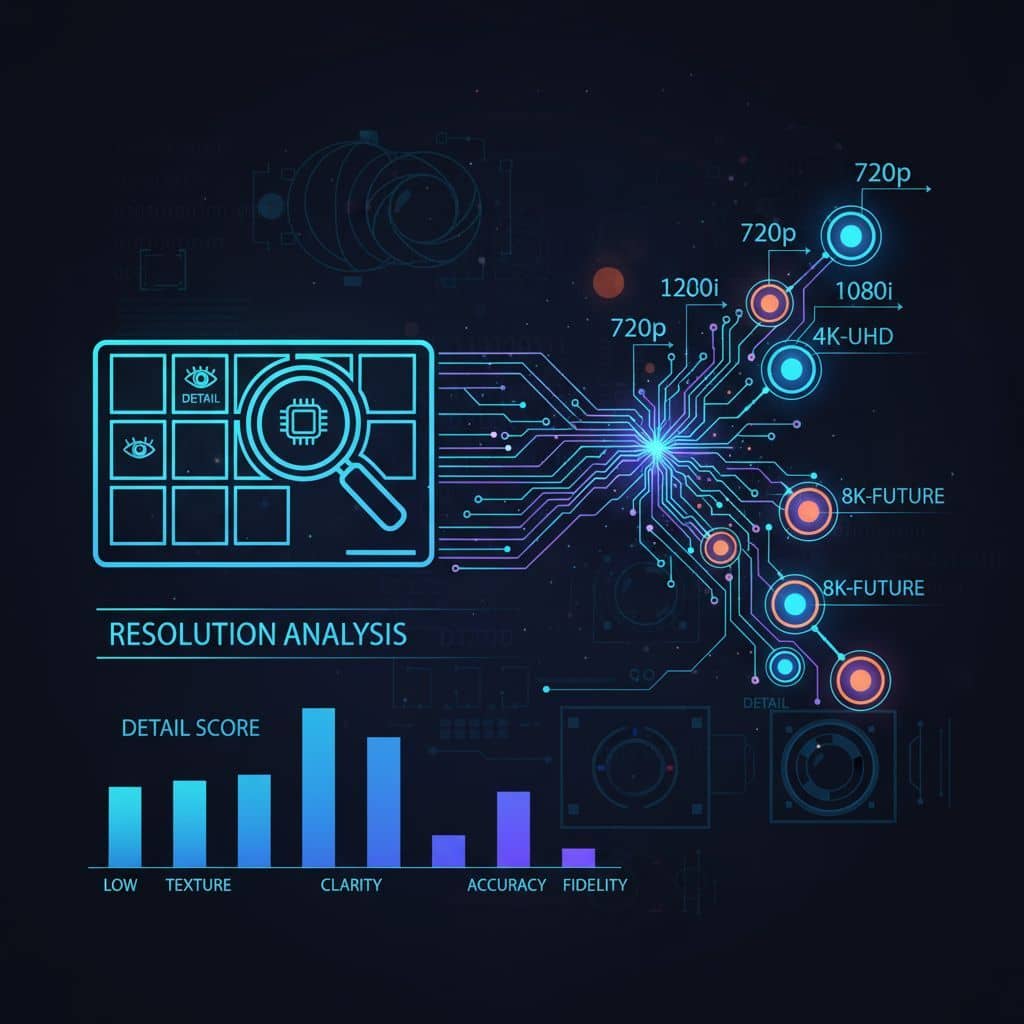
Appropriate Resolution: Higher resolution images provide better detail recognition.
Clear Content: Images with clear subjects and minimal clutter yield better analysis.
Relevant Analysis Type: Choose the specific analysis that matches your needs.
Verify Results: Cross-reference AI analysis with manual review for critical applications.
Popular Use Cases
Accessibility Enhancement: Generate alt text and descriptions for images to improve accessibility.
Content Creation: Analyze images for social media, blogs, and marketing materials.
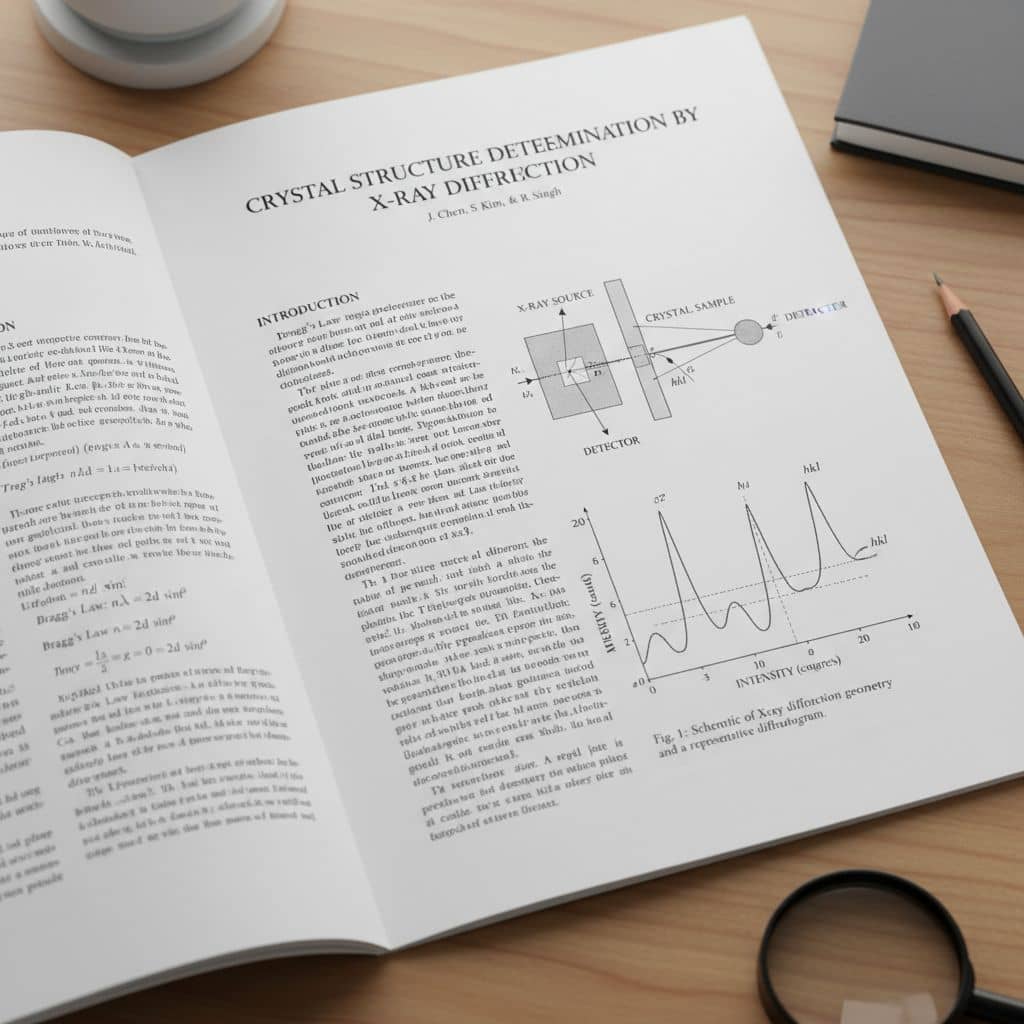
Document Processing: Extract text and data from images of documents and forms.
Research & Analysis: Analyze visual data for academic research and scientific studies.
E-commerce: Automatically tag and categorize product images for online stores.
Security & Monitoring: Analyze surveillance images and security footage for insights.