AI Video Analyzer
Upload a video file or paste a YouTube link and get instant AI-powered analysis. Content summaries, scene breakdowns, emotion analysis, and more.
Choose the type of analysis you want to perform on your video.
Only models with video understanding are shown. Access depends on your subscription tier.
Supports YouTube, Vimeo, and direct video file URLs. YouTube links work best with Gemini.
Or pick a specialized video analyzer
What is AI Video Analysis?
AI Video Analysis uses advanced artificial intelligence models like Google Gemini to understand and analyze video content. Unlike simple frame extraction, these models can comprehend the full temporal and visual narrative of a video, including actions, speech, emotions, and scene transitions.
Whether you need a quick content summary, detailed scene breakdown, accessibility report, or marketing optimization insights, our AI video analysis tools provide comprehensive results in seconds.
How AI Video Analysis Works
Analyzing videos with AI is straightforward:
- Upload or Paste a URL: Upload a video file (MP4, WebM, QuickTime up to 50 MB) or simply paste a YouTube, Vimeo, or other video URL.
- Choose Analysis Type: Pick from content summary, scene breakdown, emotion analysis, accessibility, and more.
- AI Processing: Google Gemini processes the entire video, understanding visual content, audio, and temporal relationships.
- Get Detailed Results: Receive comprehensive analysis with structured insights, timestamps, and actionable recommendations.
Top Benefits of AI Video Analysis
True Video Understanding: Powered by Gemini, which natively understands video -- not just individual frames but the full temporal context.
Comprehensive Analysis: Get scene breakdowns, emotional arcs, technical quality assessments, and content summaries all from one upload.
Accessibility Made Easy: Automatically generate audio descriptions and caption suggestions to make your videos inclusive.
Social Media Optimization: Get engagement predictions, hashtag suggestions, and platform-specific recommendations.
Save Hours of Work: What takes a human hours to manually review, AI can analyze in minutes.
Popular Use Cases
Content Creators: Analyze your videos for engagement potential before posting to social media.
Filmmakers & Editors: Get detailed cinematography and scene analysis to improve your craft.
Educators: Extract study notes and key concepts from lecture videos automatically.
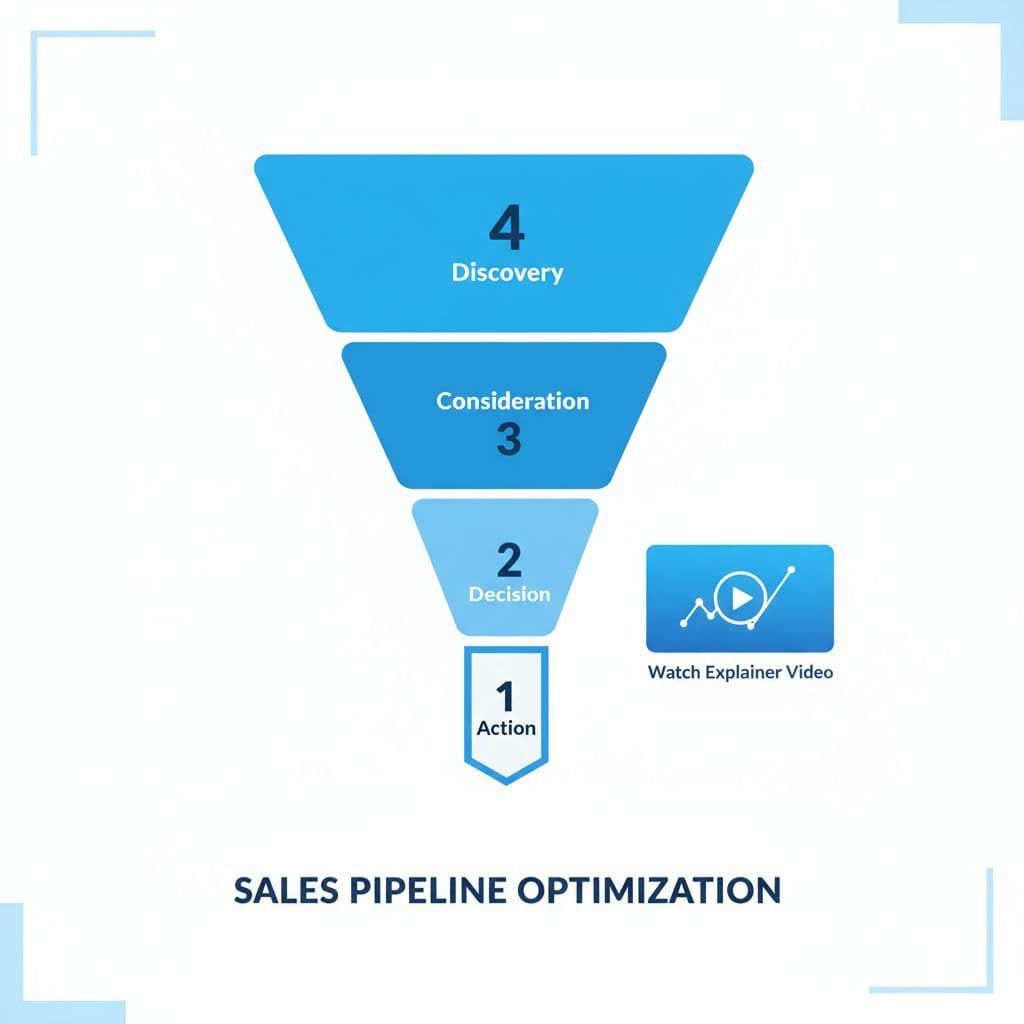
Marketers: Evaluate advertising videos for messaging effectiveness and brand alignment.
Accessibility Teams: Generate audio descriptions and caption suggestions for video content.
Sports Coaches: Analyze technique, form, and strategy from game and training footage.
Get Started with AI Video Analysis
Ready to unlock insights from your videos? Choose an analysis tool above, upload your video, and get instant AI-powered results. Powered by Google Gemini's advanced multimodal understanding.
Frequently Asked Questions
What does an AI video analyzer do?
It processes the full video (frames, motion, audio, and on-screen text) and writes a structured breakdown: scene-by-scene descriptions with timestamps, key actions and objects, people, and the overall narrative flow. The general analyzer above covers all of that in one pass, while the specialized tools below each focus on one angle like emotion, accessibility, or engagement.
Can AI analyze a YouTube video?
Yes. Paste the YouTube link instead of uploading and the AI processes the video straight from the URL; Vimeo and direct video file links work too. This is the fastest way to get a summary, scene breakdown, or content review of a video that is not sitting on your device as a file.
How is video analysis AI different from a transcript?
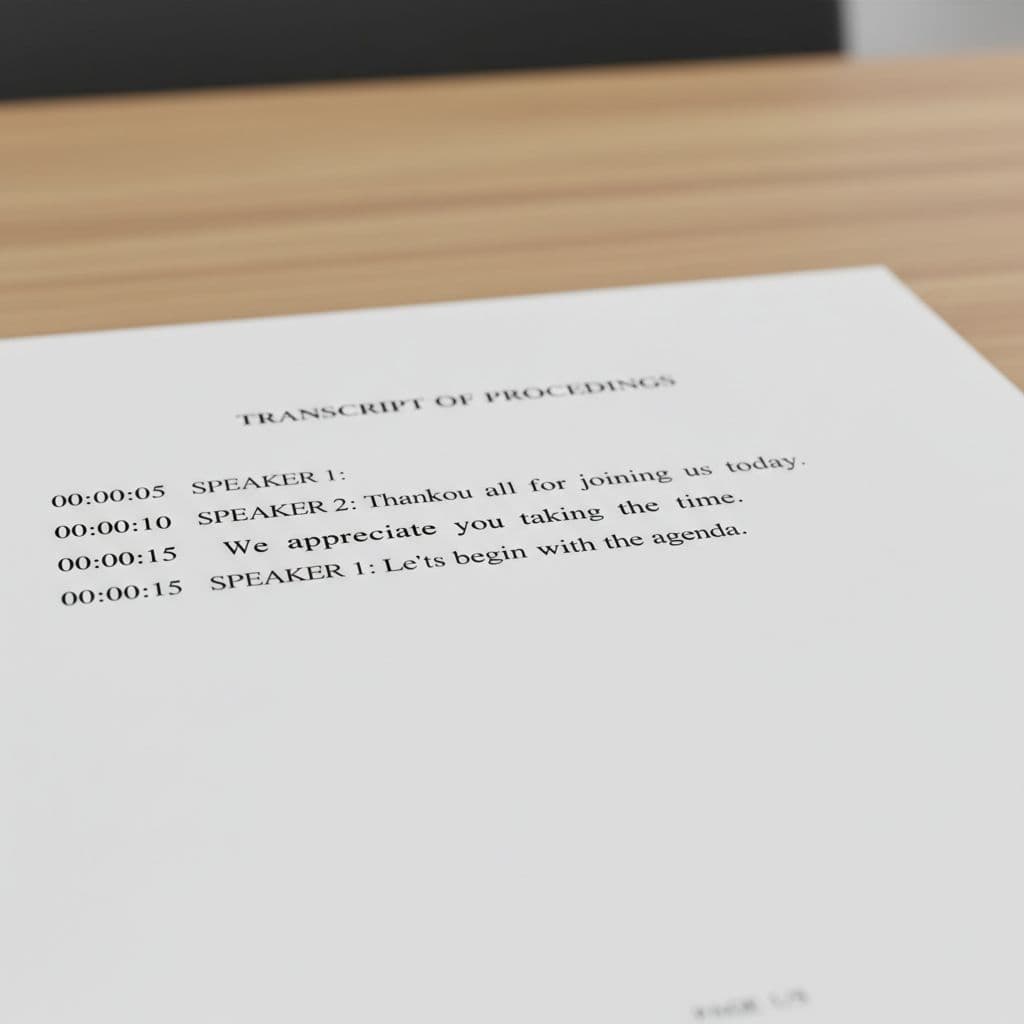
A transcript only captures speech. Video analysis AI also reads the visuals: scene changes, actions, body language, objects, and on-screen text, and how they develop over time. You still get the spoken content, but placed inside a timeline of what was happening when it was said, which is what editing, review, and accessibility work actually need.
What video formats and sizes can I analyze?
Direct uploads accept MP4, WebM, and QuickTime files up to 50 MB. For anything longer or heavier, paste a YouTube or Vimeo URL instead, since the AI fetches the video from the source rather than your device. Most short-form clips, ads, and lecture segments fit comfortably within the upload limit.
How accurate is AI video analysis?
Clear footage with decent lighting and audio gives the strongest results, and short-to-medium clips analyze more reliably than feature-length recordings. The AI is solid on what happens and when; subjective judgments like emotional tone or engagement potential come with reasoning, so you can see how it got there and decide whether you agree.
Which AI model powers the video analyzer?
Google Gemini, which understands video natively instead of sampling a few frames. It tracks how scenes, actions, and audio evolve across the timeline, which is why results include timestamps and narrative structure rather than just a list of detected objects. YouTube links in particular work well because Gemini can ingest them directly.
Related AI Tools
AI Video Generator
Create AI-generated videos with custom prompts and effects
AI Image Analysis
Analyze images for objects, text, faces, and visual content
AI Audio Analysis
Analyze audio for emotions, speech patterns, and music
AI Text Analysis
Analyze text for readability, sentiment, SEO, and optimization
AI PDF Analysis
Extract insights and analyze PDF documents with AI
AI Text Generator
Generate text for marketing, business, and creative writing